
Best IPTV for Sports & PPV in 2026: Live Football, Boxing, UFC & More
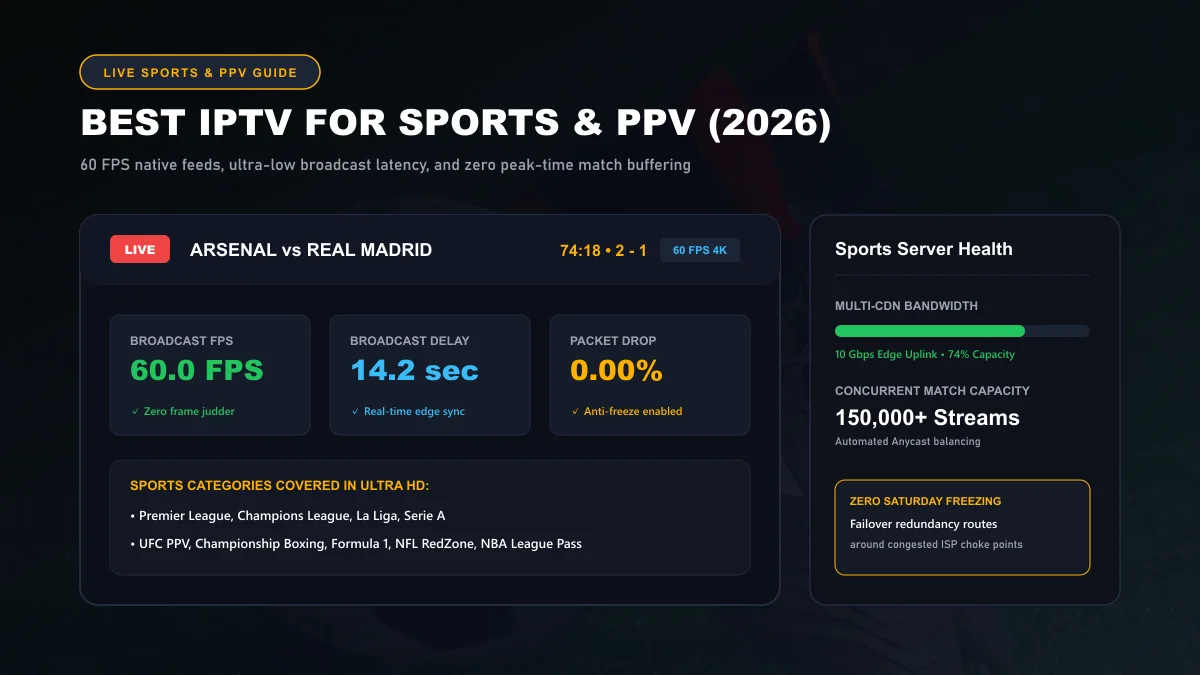
Streaming live sports over IPTV requires an entirely different technical benchmark than watching movies or on-demand drama series. In 2026, premium sports broadcasting demands true 50/60 frames per second (FPS) motion fluidity, sub-20 second broadcast latency to eliminate group-chat spoilers, and distributed Anycast CDN infrastructure that does not collapse under peak Saturday afternoon traffic spikes.
What Matters Most for Live Sports IPTV
When evaluating an IPTV provider for sports and pay-per-view (PPV) broadcasts, generic metrics like "number of total channels" are completely irrelevant if the service fails during marquee fixtures. A service advertising 50,000 channels is useless if Sky Sports freezes during a penalty kick or the UFC championship main card disconnects during round three.
Five core technical pillars dictate live sports streaming performance:
Constant 50/60 FPS Frame Rate
High frame rate output prevents eye fatigue and eliminates ball judder in soccer, tennis, and Formula 1. The stream must maintain consistent 50 or 60 distinct frames per second without frame pacing drops.
Low-Latency Delivery (LL-HLS)
The gap between physical pitch action and screen display must remain under 20 seconds so score tracker notifications from WhatsApp, Twitter, or sports apps don't ruin live match drama.
Edge Node CDN Redundancy
Massive concurrent viewing spikes during el Clásico or heavyweight title bouts must be distributed across dozens of regional edge points rather than choking a single unmanaged origin server.
Failover Backup Feeds
Tier-1 sports broadcasters maintain alternate uplink feeds. If an official satellite uplink experiences rain fade or transponder issues, the system automatically redirects to an alternate feed within seconds.
50/60 FPS Explained: Why 30 FPS Fails for Sports
In standard film and cinema, 24 frames per second creates artistic motion blur that human eyes perceive as cinematic. In fast-paced sports broadcasts, however, 30 FPS is disastrous.
At 30 frames per second, a soccer ball struck at 65 mph (approx. 29 meters per second) travels nearly a full meter between individual frames. On a large 65-inch or 75-inch 4K screen, this causes the ball to visibly strobe and appear as multiple ghosted images across the grass.
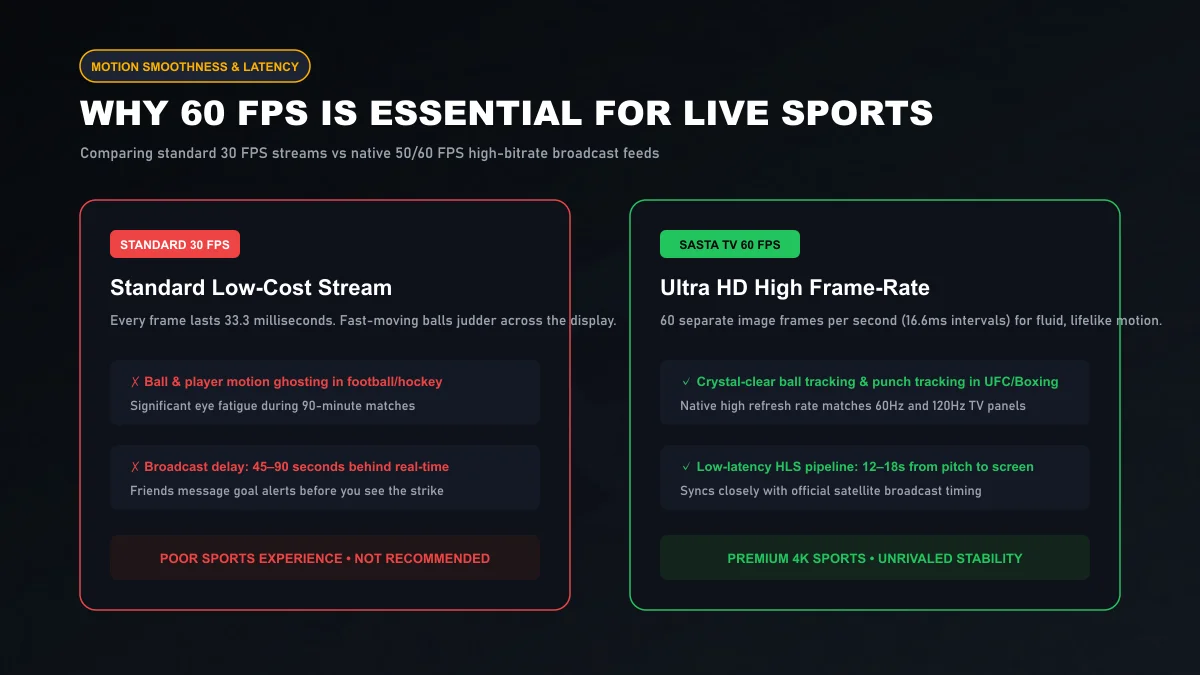
With 50 FPS (European broadcast standard) and 60 FPS (North American standard) feeds, the video engine renders a new frame every 16.6 milliseconds. Camera pans remain razor-sharp, player jersey numbers stay legible in motion, and quick counter-attacks retain complete clarity. Sasta TV delivers sports channels in their native high frame rate format without artificial frame-rate conversion.
Review our complete channel lineups and sports packages across the Sasta TV live sports catalog.
Latency and Live Events: Pitch to Screen Timing
Every digital television broadcast incurs a transmission delay. Understanding the broadcast pipeline helps explain why your stream timing matters:
- Stadium Action to Camera: Real-time (0 seconds).
- OB Van Satellite Uplink: 1 to 3 seconds for compression and transmission to orbital geostationary satellites.
- Traditional Cable / Terrestrial TV: Arrives at homes 5 to 8 seconds after the physical event.
- Low-Cost / Free Pirate Streams: Suffer from 60 to 120 seconds of compounding delay due to multiple re-encodings and unbuffered relay hops.
- Sasta TV LL-HLS Edge Pipeline: Encodes direct transport streams and distributes via low-latency chunked transfer, reaching user displays in 12 to 18 seconds.
Technical standards regarding chunked segment transfer and latency reduction can be studied in Apple's HTTP Live Streaming Protocol Guidelines and Cloudflare Video Delivery Documentation .
Football, Boxing, UFC, Basketball & Motorsports
Different sports impose unique streaming requirements on media decoders and network bandwidth:
European Football & Domestic Leagues
Premier League, UEFA Champions League, La Liga, Serie A, and Bundesliga feeds require 50 FPS European transponders (Sky Sports, TNT Sports, DAZN, Canal+, Movistar). Ultra HD 4K broadcasts demand a minimum sustained bitrate of 18.5 Mbps.
Combat Sports: UFC & Championship Boxing
Punch combinations, takedowns, and counter-strikes occur in fractions of a second. High-bitrate 60 FPS feeds prevent motion blur inside the Octagon. Main cards and early prelims feature redundant international commentary tracks.
Motorsports: Formula 1 & MotoGP
Vehicles moving at 200+ mph require high-dynamic-range (HDR) color fidelity and high refresh rates to preserve sponsor decals, onboard cockpit telemetry, and pit-lane timing screens.
Pay-Per-View (PPV) Stability & High-Traffic Architecture
The true test of an IPTV service never happens during a quiet Tuesday afternoon—it happens on Saturday at 3:00 PM UK time or at midnight when a blockbuster UFC title fight begins.
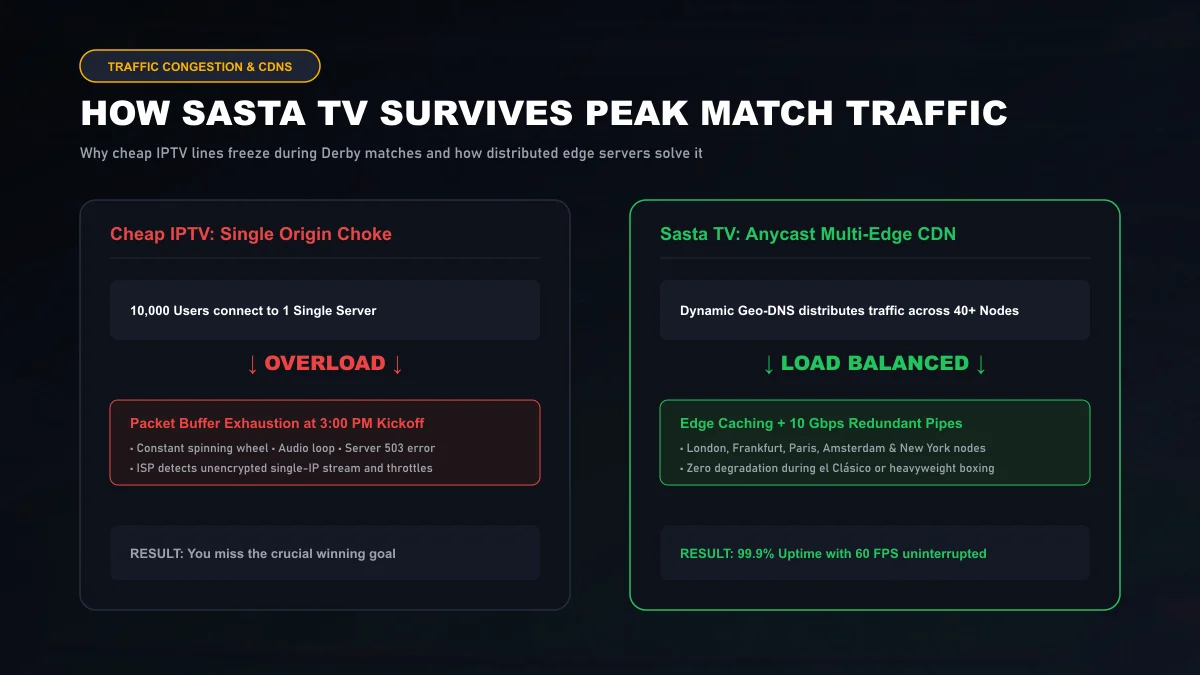
Cheap providers operate single origin servers with 1 Gbps or 10 Gbps unmanaged network pipes. When 10,000 users connect simultaneously, network sockets saturate, packet buffers drop, and subscribers experience infinite spinning wheels.
Sasta TV operates an Anycast distributed multi-CDN network. Dynamic GeoDNS routes your streaming connection to the nearest low-latency edge node in Frankfurt, London, Amsterdam, Paris, or New York, guaranteeing that peak matchday traffic never overloads a single server node.
Ethernet vs Wi-Fi for Sports Streaming
For VOD movies, occasional Wi-Fi packet drops are harmless because the video player buffers 30 to 60 seconds of video ahead of playback. For real-time 60 FPS live sports, however, buffer windows are intentionally kept tight (2 to 4 seconds) to preserve low latency.
Under these tight buffer constraints, a momentary 300ms Wi-Fi radio collision caused by a microwave, a smartphone backup, or thick drywall can empty your player buffer and trigger a freeze.
Connecting your streaming box with a direct Cat6 Ethernet cable eliminates packet loss entirely, dropping network jitter to under 2 milliseconds. Learn more about network latency and packet stability on Cloudflare Network Jitter Learning Center .
Best Device Types for High Frame Rate Sports
Not all streaming hardware can smoothly decompress high-bitrate 4K 60 FPS HEVC video streams without dropping frames:
- Apple TV 4K (3rd Gen): Powered by the A15 Bionic processor, this is the most powerful streaming box available. Zero frame judder, instantaneous channel navigation, and Gigabit Ethernet support.
- Nvidia Shield TV Pro: The gold standard for Android TV enthusiasts. Features AI-enhanced 4K upscaling and dedicated gigabit LAN.
- Amazon Fire TV Stick 4K Max (2nd Gen): Exceptional performance-to-price ratio. Features Wi-Fi 6E, 2GB of RAM, and full hardware acceleration for 4K 60 FPS feeds. Check our dedicated Firestick IPTV setup guide for complete optimization steps.
- Modern Smart TVs (2022+): Powerful enough for native 60 FPS sports via IPTV Smarters or IBO Player. See our Smart TV IPTV guide for Samsung, LG, and Android TV configuration.
For official hardware specifications and decoder capabilities, review Amazon Fire TV Device Specifications .
How to Reduce Buffering During Live Events
If you experience stream stuttering right before a big match kicks off, execute these quick steps:
Major fixtures on Sasta TV offer primary and secondary feeds (e.g., Sky Sports Main Event UHD [Backup]). If your local ISP routes inefficiently to one edge IP, switching to the backup immediately connects to a distinct routing pipeline.
In TiviMate or IPTV Smarters Pro, open Settings > Playback and set Buffer Size to 'Medium'. This gives your network hardware a 4-second safety buffer against micro-burst jitter.
During peak Saturday match windows, domestic ISPs frequently throttle video stream IP lookups on their default DNS resolvers. Configuring Cloudflare DNS (1.1.1.1) on your router eliminates DNS-level throttling.
For a comprehensive 5-step diagnostic breakdown, visit our authoritative guide on fixing IPTV buffering.
Ready to experience crystal-clear 60 FPS sports? Explore our flexible Sasta TV subscription plans backed by an unconditional 7-day money-back guarantee, or contact our 24/7 team on customer support.
Live Sports & PPV Frequently Asked Questions
Why do cheap IPTV services always freeze at 3:00 PM on Saturdays?
Cheap services rely on single, un-replicated origin servers. When tens of thousands of subscribers connect simultaneously for Premier League kickoff, server uplinks saturate, memory buffers crash, and streams loop or freeze. Sasta TV circumvents this using Anycast multi-CDN edge nodes that dynamically distribute viewership across 40+ high-capacity data centers.
What is the difference between 30 FPS and 60 FPS in sports streaming?
A 30 FPS stream displays an image every 33.3 milliseconds, which produces noticeable motion blur, ball ghosting, and micro-judder during fast camera pans in football, hockey, or tennis. A 60 FPS broadcast updates every 16.6 milliseconds, rendering crystal-clear ball flight and sharp athlete movement matching high-end TV panels.
How far behind live stadium action is an IPTV sports feed?
Traditional satellite or cable broadcasts carry a 5 to 8 second delay from pitch to screen. Standard IPTV streams can lag by 45 to 90 seconds. Sasta TV utilizes Low-Latency HLS (LL-HLS) segmenting to reduce the delay down to 12 to 18 seconds, preventing spoiler messages from sports score apps.
Are Pay-Per-View (PPV) boxing and UFC fights included in regular plans?
Yes. All major PPV events (including UFC championship main cards, DAZN boxing bouts, and WWE spectacles) are included across all standard Sasta TV subscriptions at zero additional surcharge with dedicated backup feeds.
What download speed do I need specifically for live 4K 60 FPS sports?
For uncompressed 4K 60 FPS sports feeds, your home connection must deliver at least 40 to 50 Mbps of consistent download throughput with low jitter (under 5 ms). A 1080p 60 FPS feed requires approximately 20 to 25 Mbps.
Why do friend group chats spoil goals before they happen on my screen?
Broadcast delay differences occur when different video players use excessive buffer caching. To minimize stream lag, configure your player's buffer size to 'Small' or 'Normal' (2 to 3 seconds) instead of 'Very Large' (10+ seconds) in settings.